
Bandmate
Easy Bass
Enter bass notes in order, then play them by tapping the screen in your own rhythm. Song play steps through the notes in order; free play lets you hit note pads of your choice.App StoreCurrent version under review
Google PlayIn song play, the notes you entered come up one at a time. Touch anywhere on the screen to sound the current note; when you lift your finger, the sound is damped and the next note is ready. Note lengths and rhythm are not stored. Your finger timing decides them.
Free play puts pads on the screen, each with a note and a playing technique you choose, and you hit any pad you like. Free play is available in the iOS version.
Enter notes on a keyboard, or import them from bass tab (PDF, photo, text) and MIDI files. It is free, with no account or in-app purchases, and songs are stored on your device. It runs on iPhone and iPad (iOS 17 or later) and Android 8.0 or later.
Features
Open an item for how it works and its settings.
- Song playThe notes you entered come up in order.
- Free playPlace pads, each with a note and a technique, on the screen and hit the ones you want.
- Notes & sectionsEnter notes on a keyboard, split them into sections, and set a repeat count for each section.
- ImportBring notes in from bass tab (PDF, photo, text) and MIDI files to make a song.
- Sounds & libraryAssign a playing technique to each note, find and organize songs in the library, and export songs one at a time as files.





App screens
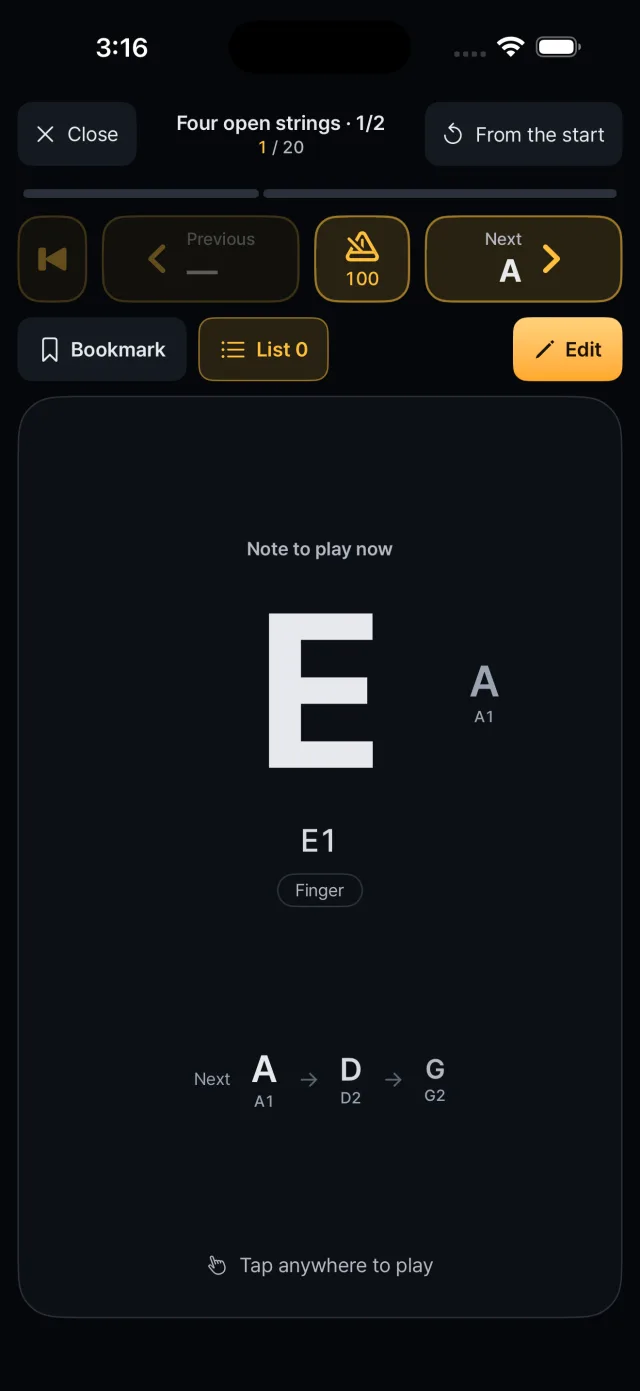
Song play: current and next notes 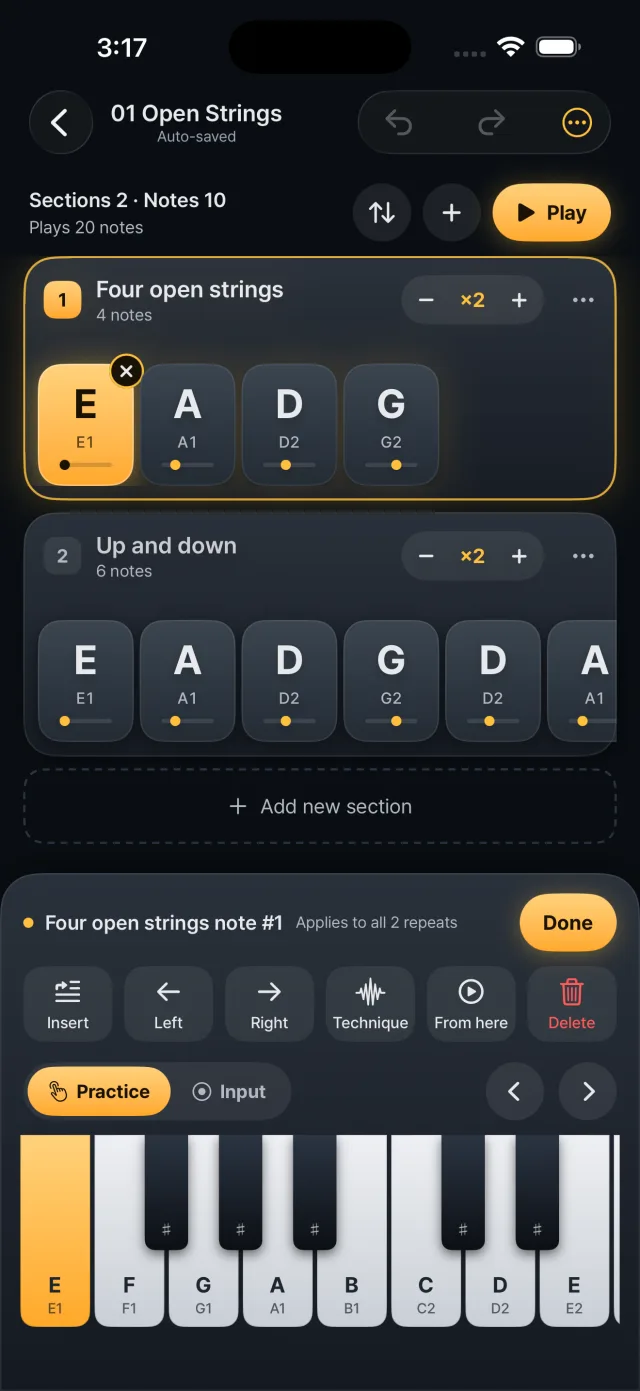
Notes & sections: chips and keyboard input 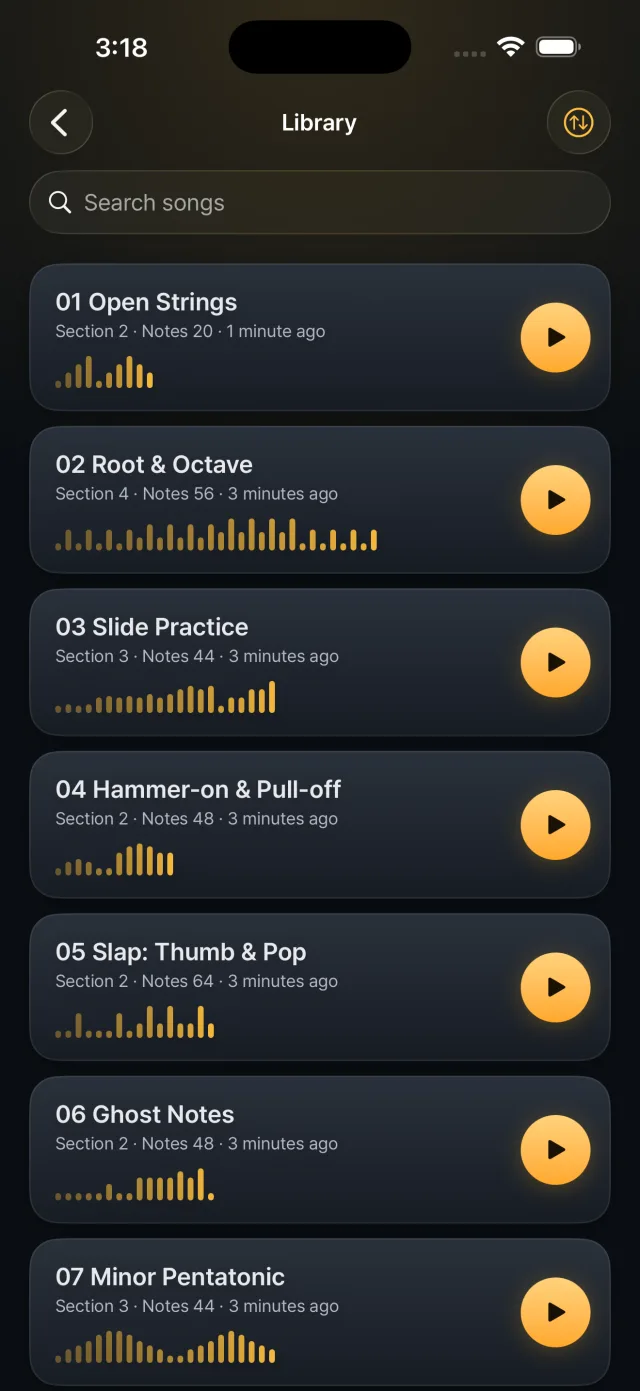
Library: the song list 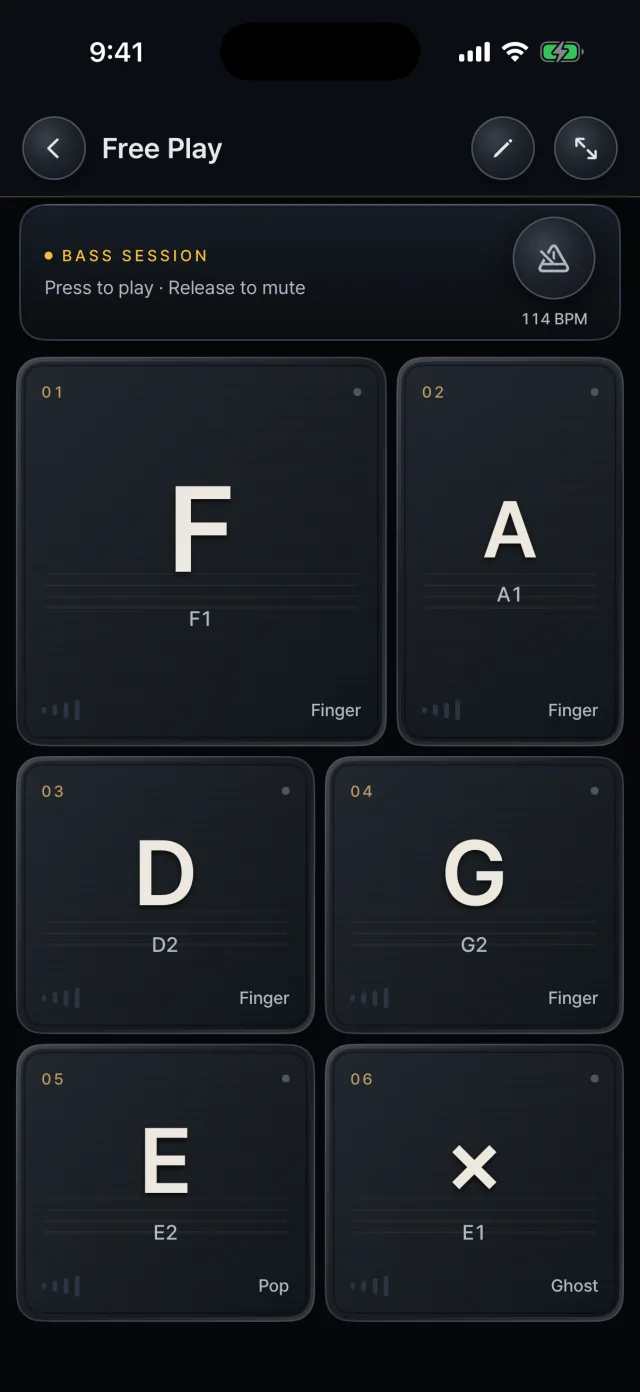
The default free play layout 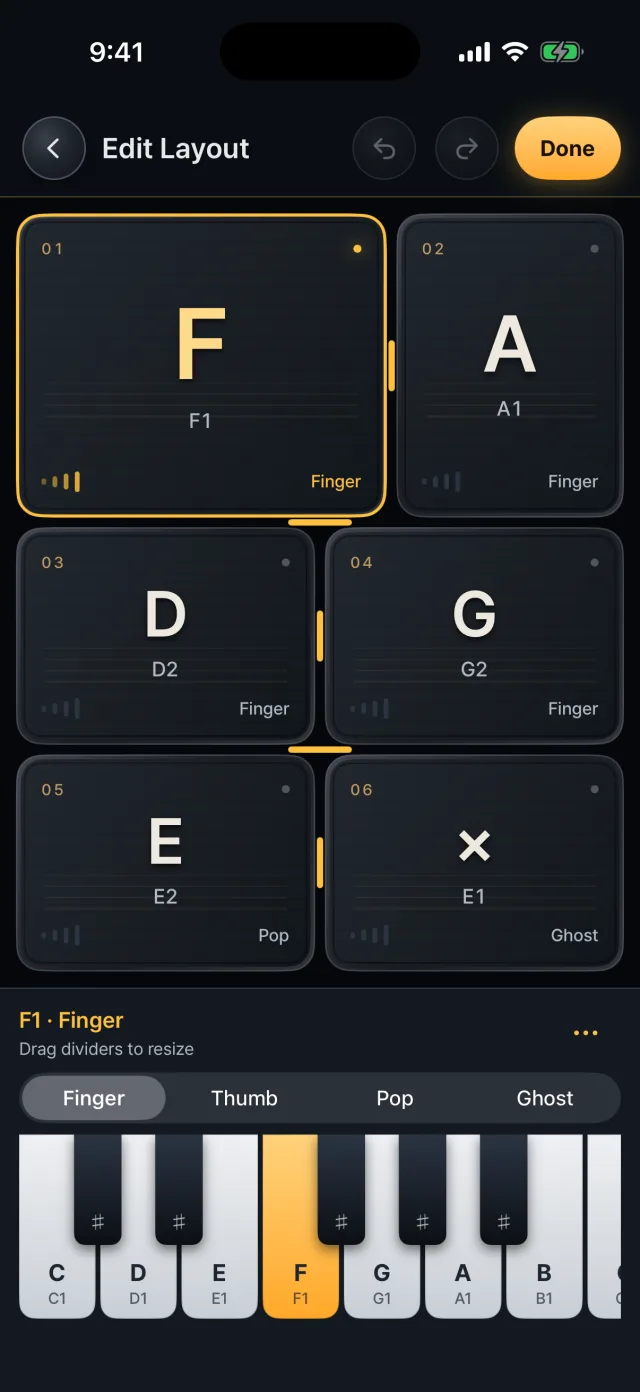
Edit mode 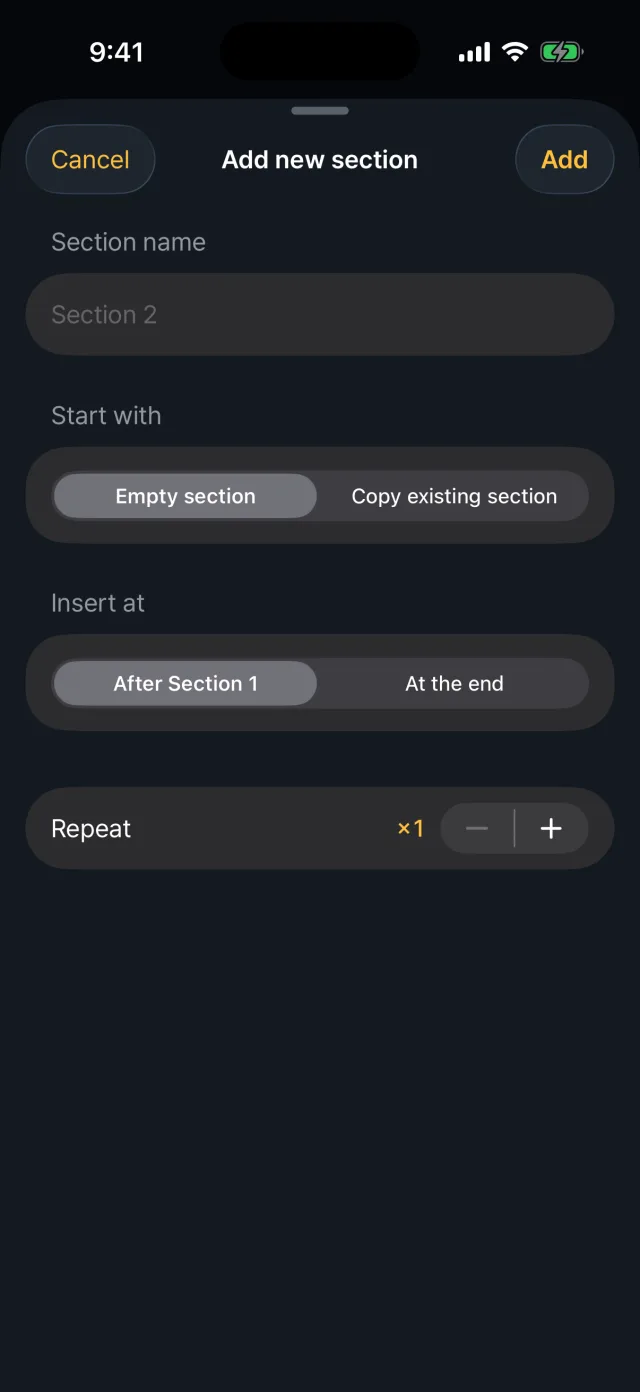
Adding and ordering sections
Download
App StoreCurrent version under review
Google Play