
Bandmate
Easy Guitar
Pick a chord pad at the top of the screen and strum the guitar strings below by swiping up and down. Make your own chords or import them from a chart.The screen is split into a chord area and a guitar area. Touching a chord pad keeps that chord selected; swiping down on the guitar is a down-strum and swiping up is an up-strum. Touching a single string plays just that string.
Chords are built from 12 roots, 7 chord types and a form, and each song keeps its own pad positions and sizes. You can also import chord symbols from a chart (PDF, photo, MusicXML, Guitar Pro 7/8 or chord text). Rhythm and notes are not imported.
It is free, with no account, ads or in-app purchases. It works offline and songs stay on your device. It supports iPhone and iPad (iOS 17 or later) and Android 8.0 or later.
Features
Open an item for how it works and its settings.
- PlayChoose a chord with a chord pad and strum by swiping up and down on the guitar area.
- Build chordsChoose a root, a type and a form to make a chord, check the fretboard diagram and sound, then add it as a pad.
- LayoutChange the position and size of chord pads and the split between the chord area and the guitar, saved per song.
- Import chartsFinds chord symbols in a chart file or photo and turns them into a new song.
- Sound & libraryThe settings that shape how it feels to play, and the library for finding and organizing songs.





App screens
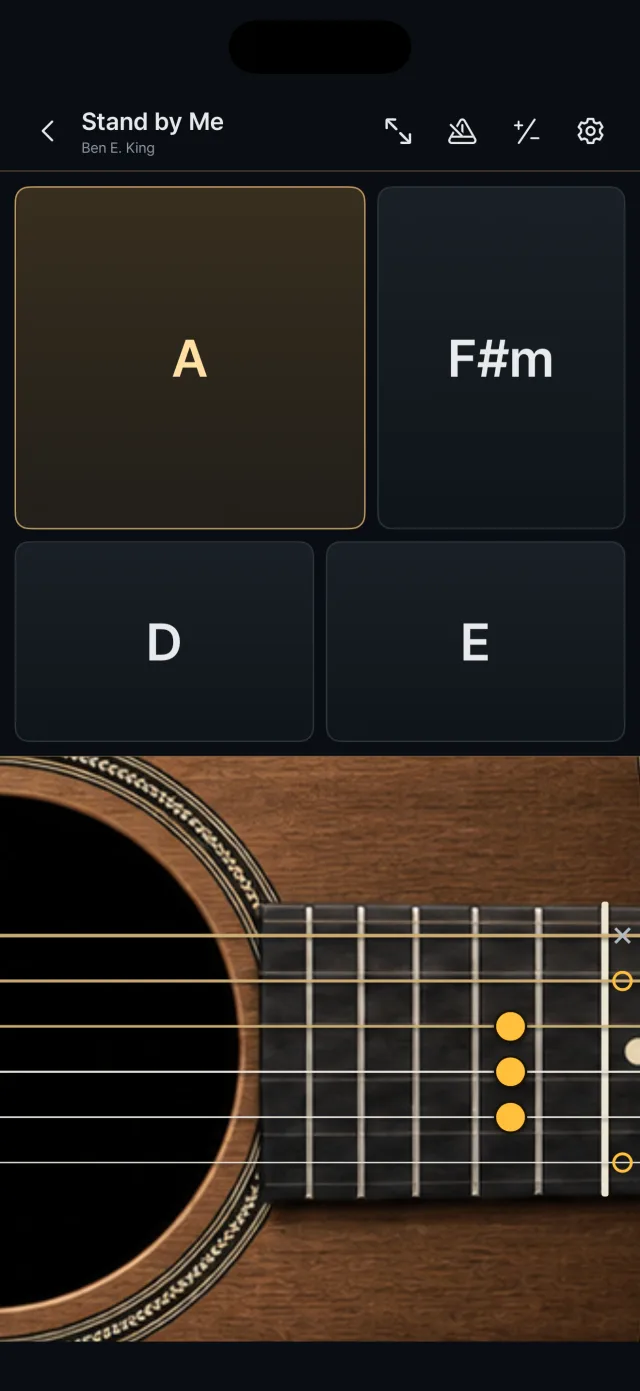
Play: chord pads above, the guitar below 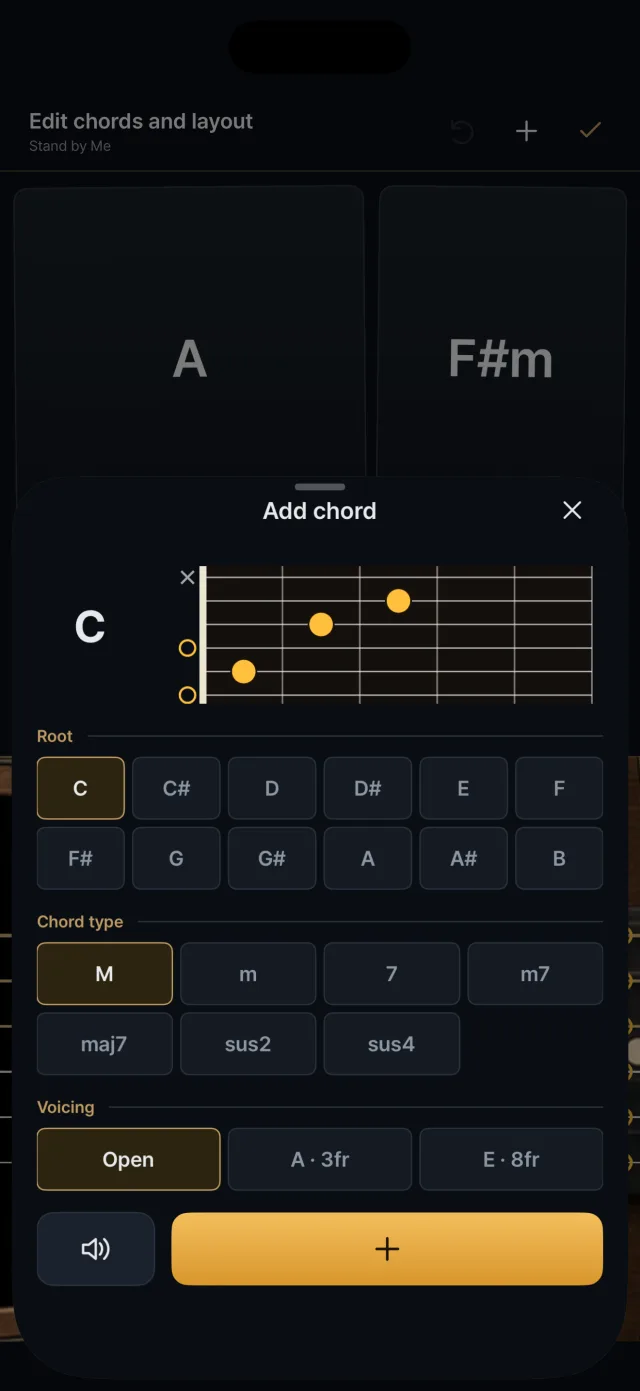
Add chord: root, type, form and fretboard diagram 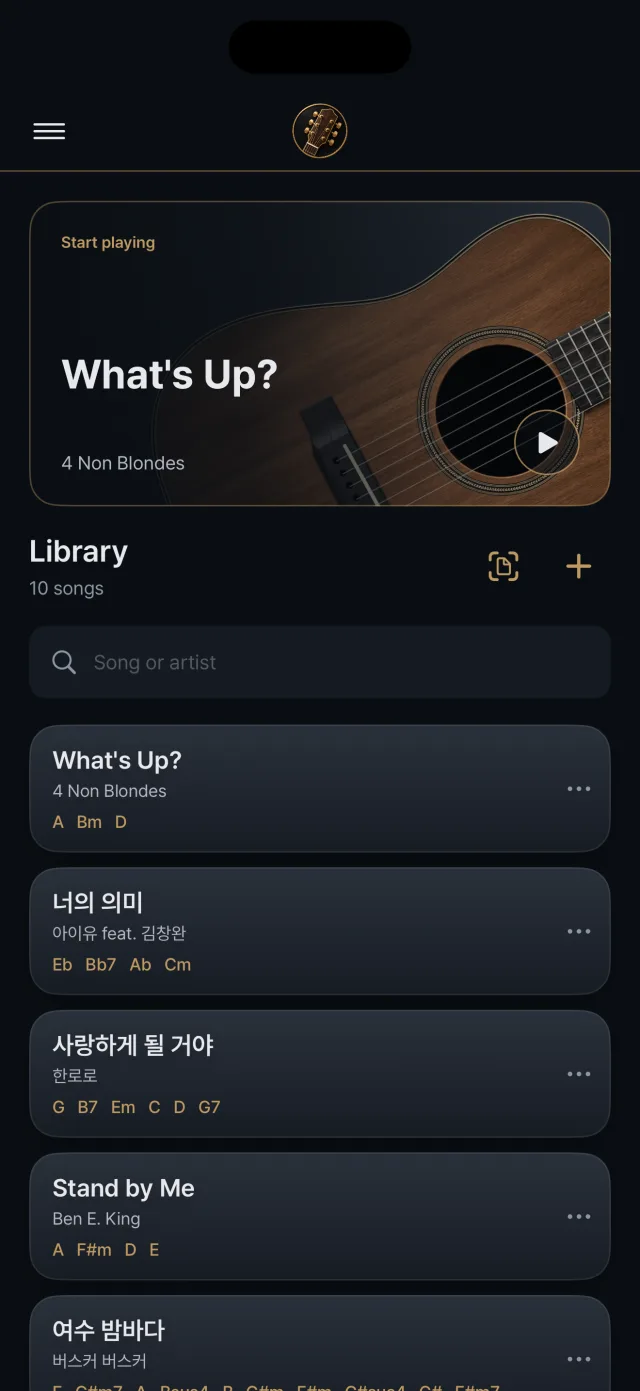
Library: songs and their chords 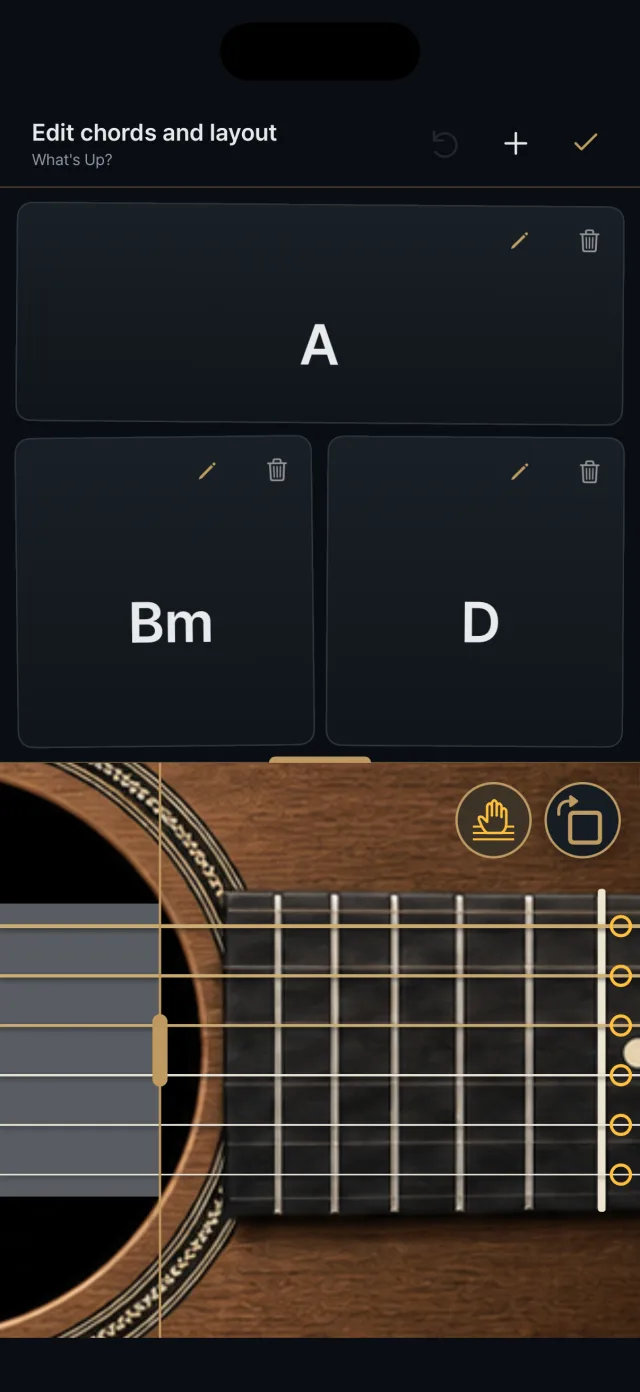
Edit mode: pads, the split line, mute and rotate buttons 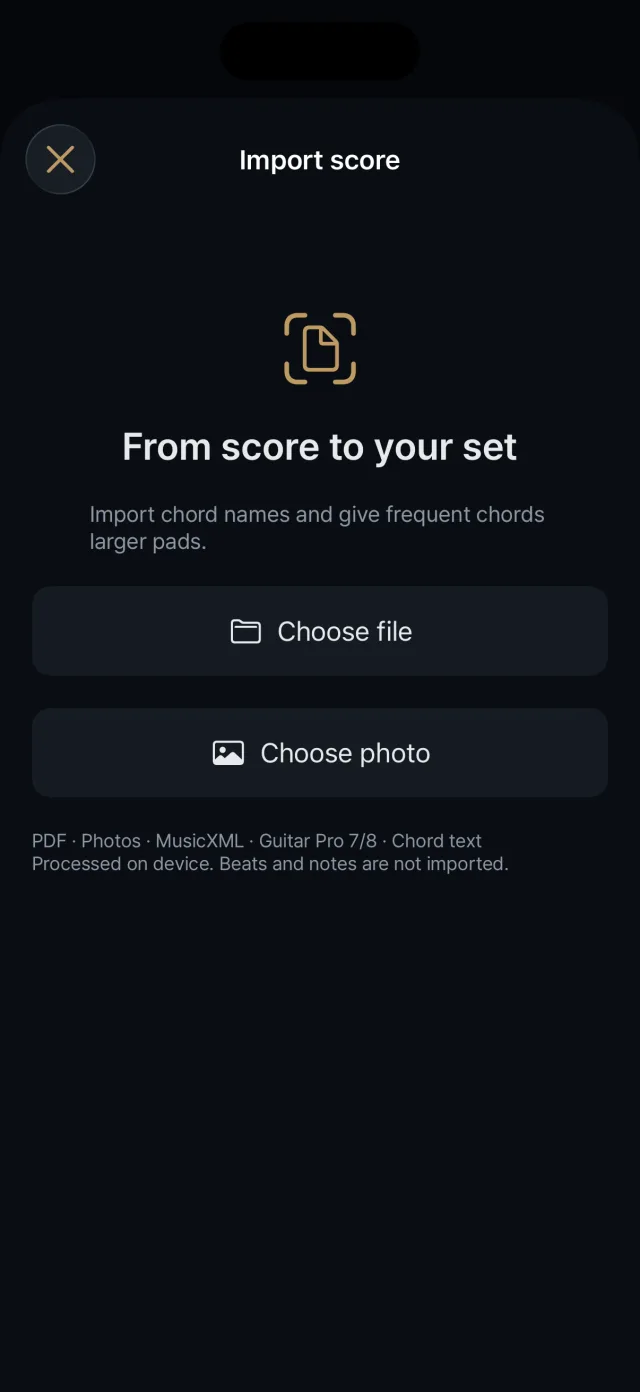
Choosing what to import 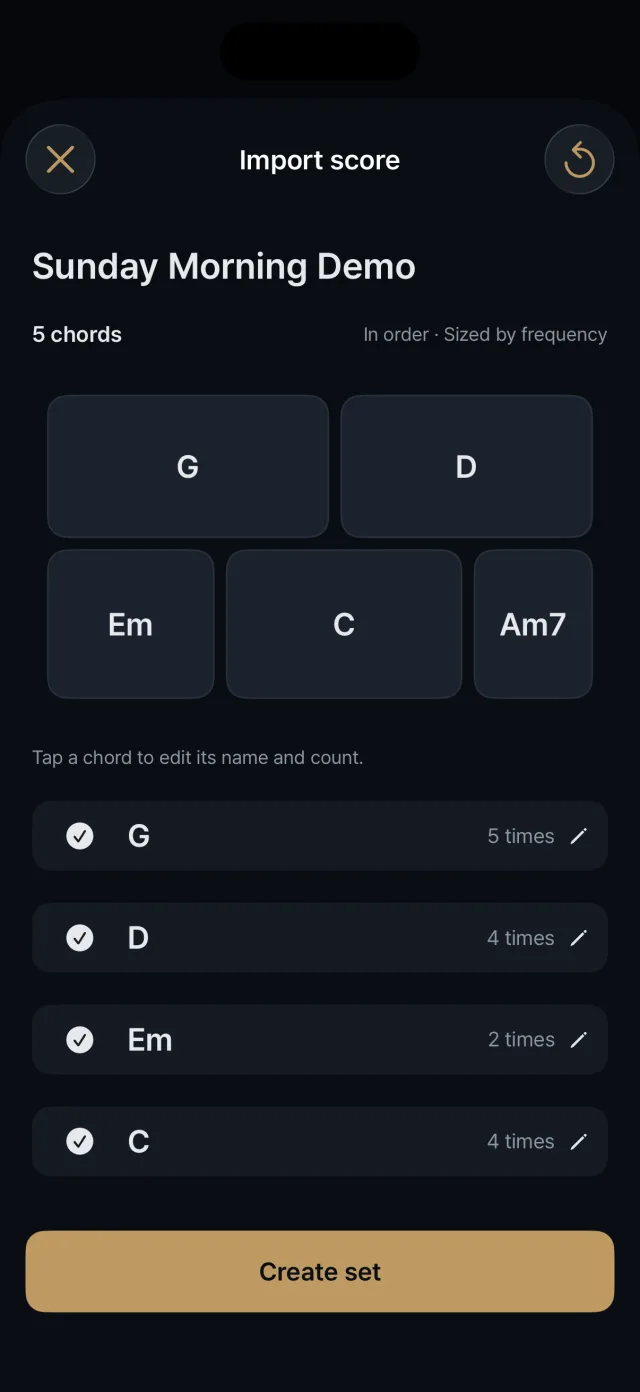
Checking and fixing chords