Make sound by striking or shaking the device. It can be turned on from a screen that has a single instrument.
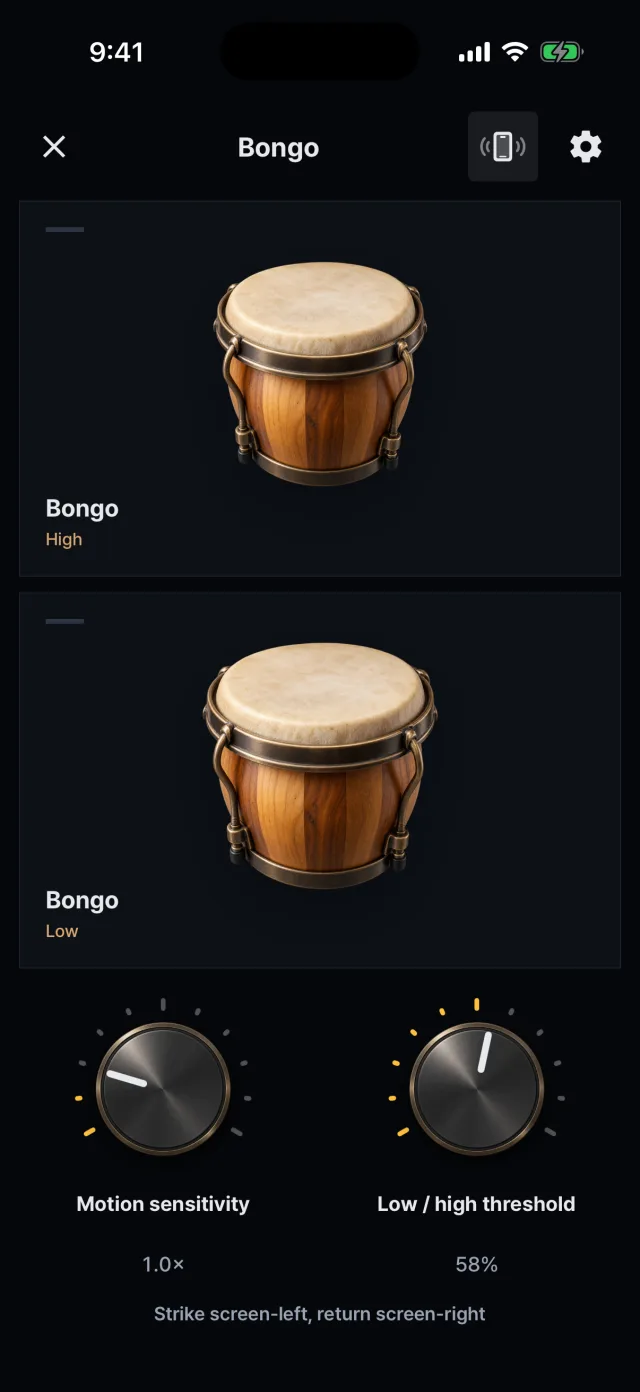
Bongo: motion sensitivity and low/high switch knobs
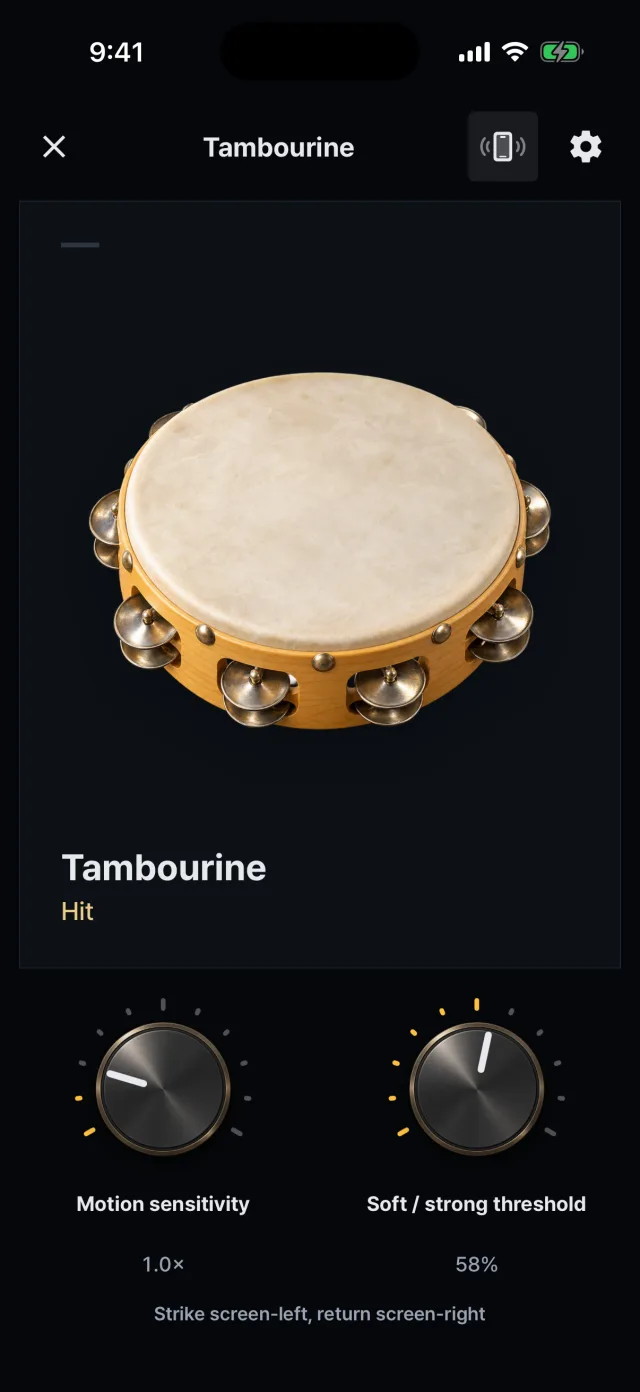
Tambourine: motion and touch together
Turning it on
The motion button at the top of the play screen switches between touch and motion.
It is available only on a screen with a single instrument (an instrument opened alone, or a kit made of one instrument) and cannot be turned on in a kit that mixes instruments.
The first time, a notice tells you to hold the device firmly so it is not dropped.
While motion is on, the screen stays in portrait.
How each instrument responds
Shaker Shake the device. It plays soft, medium and strong sounds.
Tambourine Same strike gesture: striking to the left and stopping plays the shake (jingle) sound. It is the only instrument where tapping the pad also plays Hit while motion is on.
Hi-hat Strike to play. Holding the device upright gives the closed sound and tilting it flat moves toward the open sound. Set the reference posture in the app and adjust the tilt response (0.5 to 2.0×).
The other seven They use a strike gesture. By default (right hand) strike toward the left of the screen to play; the return movement to the right makes no sound.
Only the shaker is played with a shaking movement. Changing “Playing hand” to left in the settings mirrors the strike direction.
Sensitivity
Set with knobs on the play screen.
Settings are saved per instrument.
Motion sensitivity: 0.4 to 3.5× (1.0× by default)
Bongo and conga: the strength at which the low and high drums switch (25–85%, 58% by default)
Tambourine and shaker: the strength at which soft and strong sounds switch (25–85%, 58% by default)
Device requirements
iOS: needs the motion sensors (CoreMotion).
Android: needs both the linear acceleration sensor and the gyroscope.
On a device without usable sensors, motion cannot be turned on and only touch play is available.