Choose an instrument on the home screen and its pads fill the screen. A pad sounds the moment you touch it.
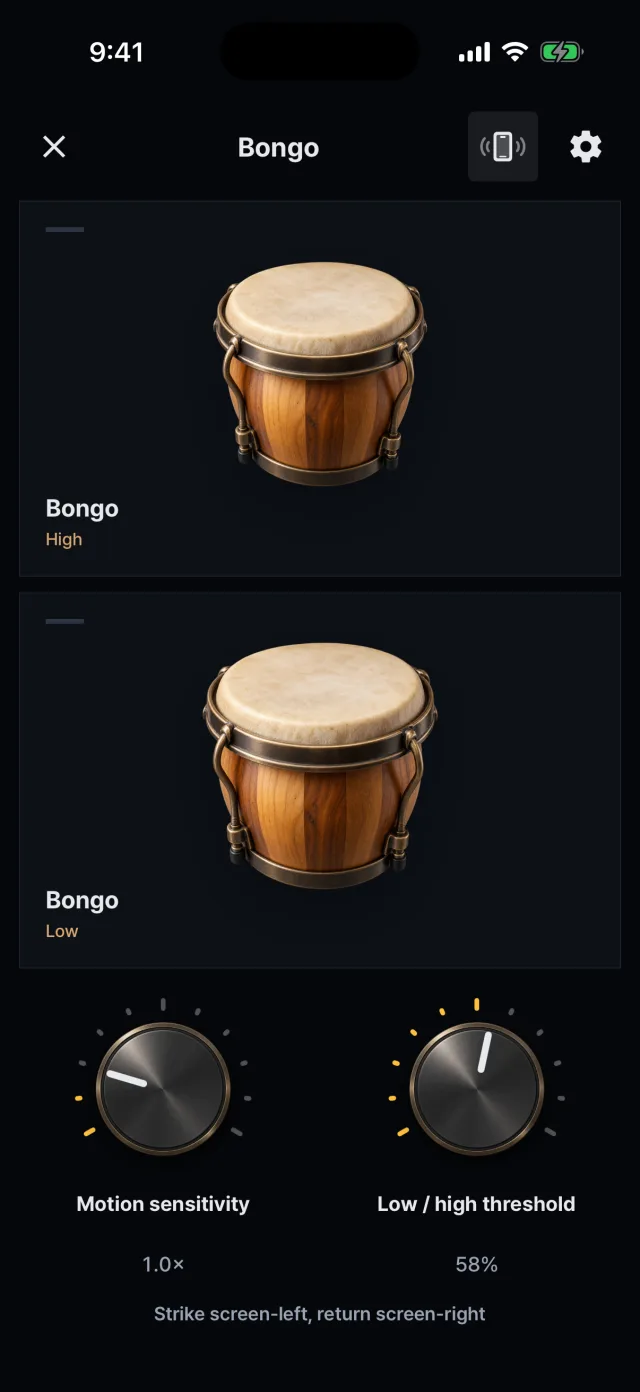
Bongo: High and Low pads
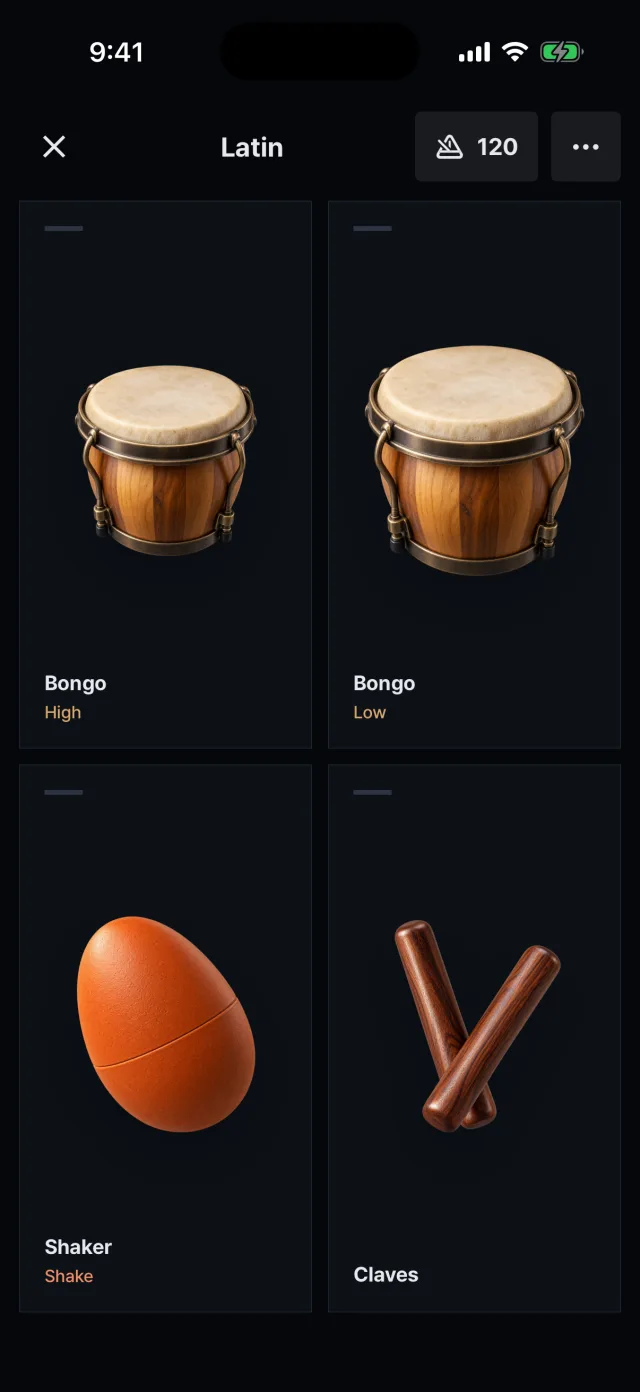
A kit: the screen split into four pads
Pads and sounds
Opening one instrument splits the screen evenly between its default pads.
Bongo and conga start with High and Low pads; cowbell, triangle, claves and others start with a single pad.
In the instrument settings you change which sounds the pads use (for example bongo high mute or cowbell open).
Multi-touch and strength
You can hit several pads at once with several fingers.
How strength is decided is set by the dynamics mode in the play settings.
Tap strength Default. Estimates strength from how much of your fingertip touches the screen and the impact felt by the device.
Fixed Always plays at the same strength (0.8).
Tap position The closer to the center of a pad, the harder it plays.
Pressure Works only with input that reports pressure. On Android, only a stylus does.
Open, closed and mute
Open, closed and mute sounds are separate pads.
Hitting a mute or closed pad cuts off the ringing sound of the same instrument (cowbell Mute cuts Body and Open, triangle Closed cuts Open, shaker Forward and Back cut each other, and the four hi-hat sounds cut each other).
Play options
Tap sensitivity: 0.5 to 2.0×
Haptic feedback on tap, on or off
Keep the screen on while playing (on by default)
Metronome: 30 to 240 BPM, 120 by default. Available on the play screen of a saved kit.