Combine several instruments and sounds as pads on one screen. Save a kit and open it again later.
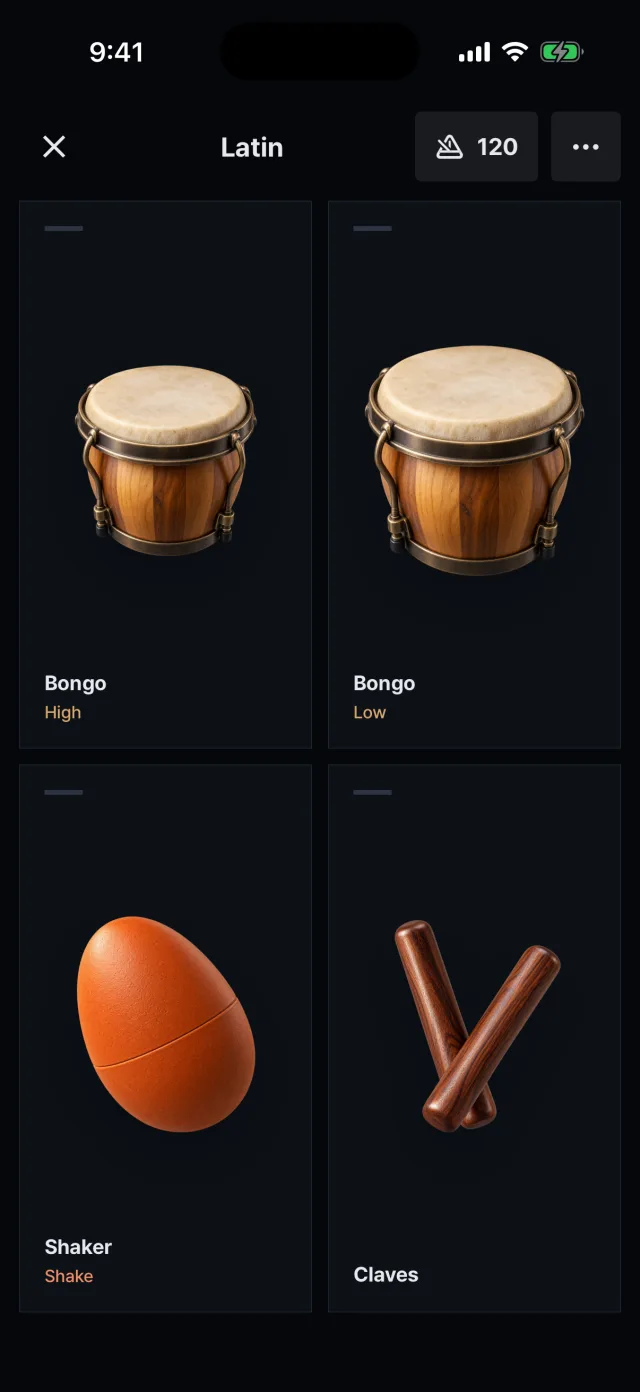
The “Latin” kit: bongo high and low, shaker, claves
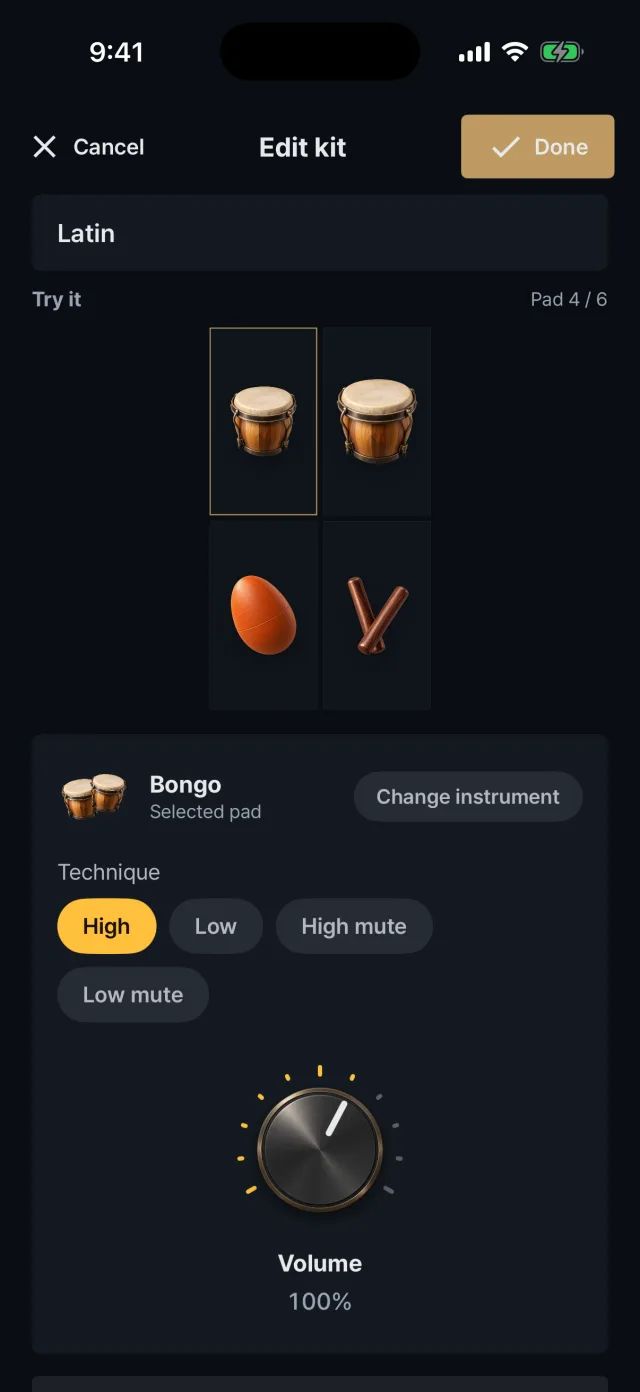
Kit editing: instrument, sound and volume of a pad
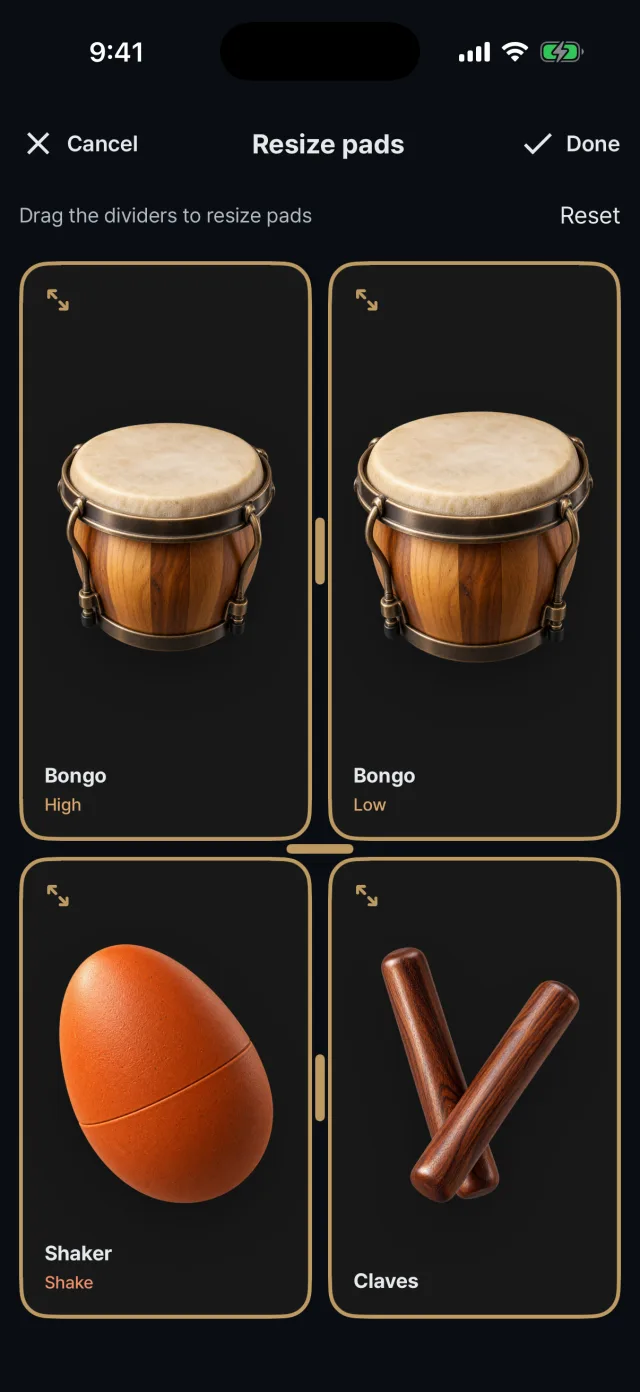
Resizing pads: drag the dividers
Starting a kit
Create a new kit under “My kits” on the home screen, or tap “Save as kit” on an instrument's own screen.
Pads can be added after the kit is saved.
Three kits are included at first: Rock jam (cowbell Body + tambourine), Latin (bongo High and Low + shaker + claves) and Light (shaker + hand clap + tambourine).
Editing pads
Select a pad and change its instrument and sound.
Set each pad's volume from 20% to 150%.
Add or delete pads. At least one pad must remain.
The maximum is six pads on a phone and eight on a tablet.
Rename the kit. A tambourine can only be added to a kit as Hit.
Pad size and split
On the play screen, press and hold a pad to show the split handles.
Drag a handle to resize the pads (ratio 20–80%) and tap outside to finish.
A saved kit saves automatically.
It is available when there are two or more pads, and can be reset from the edit screen.
Save, duplicate, delete
Press and hold a kit card to edit, duplicate or delete it.
A duplicate gets “copy” added to its name.
For five seconds after deleting, you can tap Undo.
Kits are stored on the device only. There is no file export or sharing.