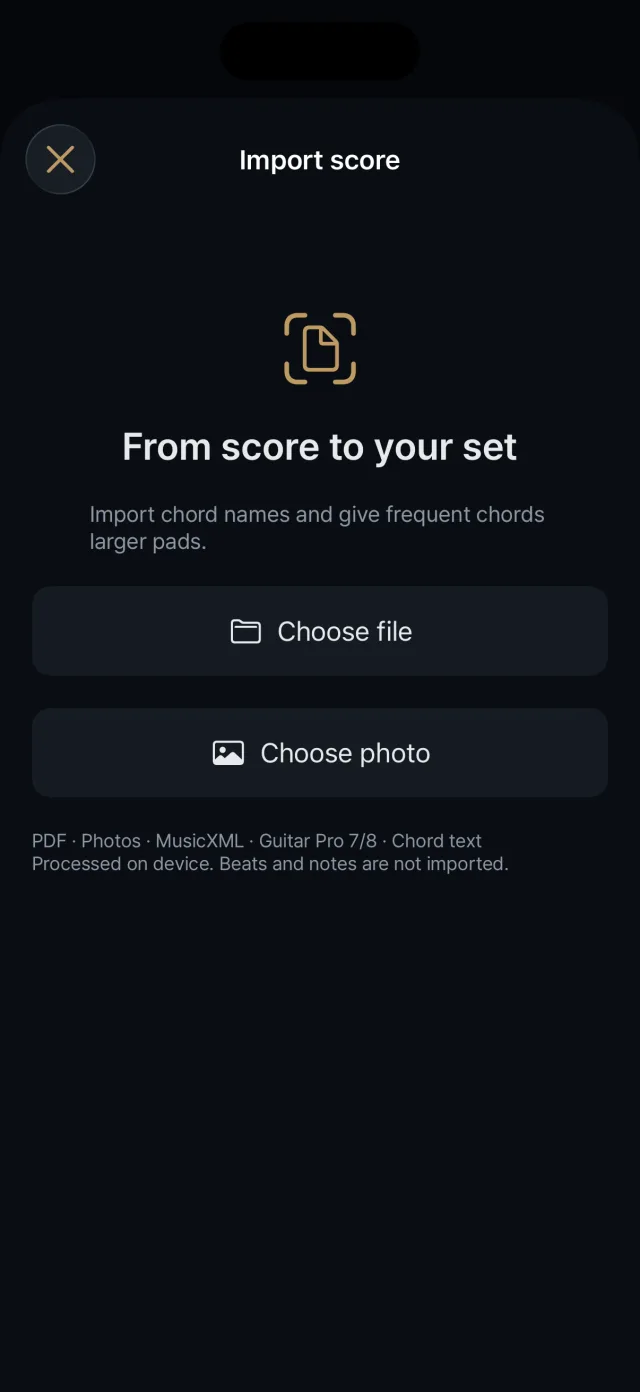
Finds chord symbols in a chart file or photo and turns them into a new song. Rhythm and notes are not imported.
Choosing what to import
Checking and fixing chords
Supported formats
PDF Up to 40 pages. Text is read directly if present; otherwise pages are turned into images and recognized.
Photo Text in the photo is recognized.
MusicXML .musicxml, .xml and compressed .mxl (score-partwise only)
Guitar Pro 7/8 .gp, .gpif
Chord text .txt, .cho, .chordpro, .pro, .crd (UTF-8)
Guitar Pro 3, 4 and 5 (.gp3, .gp4, .gp5, .gpx) are not supported; export to .gp or MusicXML instead. Password-protected PDFs cannot be read. Files can be up to 50 MB.
What is and is not imported
Only chord symbols are imported.
Time signatures, notes, repeats and note lengths are not imported, and the app does not generate automatic strumming or accompaniment.
Image recognition is aimed at chord names in Latin letters and is not for reading lyrics.
Everything is processed on the device.
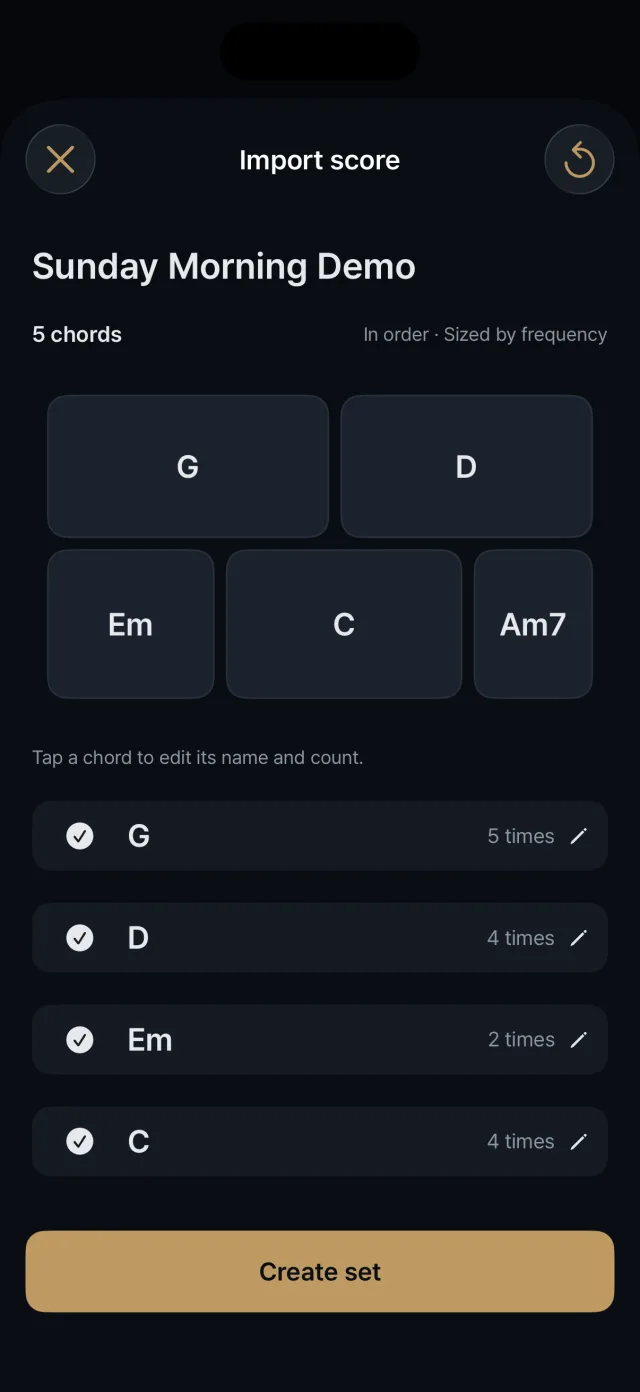
Checking and fixing
Edit the song name.
If the chart has several tracks, choose which one to read chords from.
Include or exclude each chord.
Tap a chord to change its name and form. Chords the app is unsure of are marked “needs fixing”.
Correct the “N times in the chart” count (1 to 999).
Save a capo position (0 to 12). The sound is not shifted automatically; chords stay as written.
Recognition results vary with the source, so check and fix them before saving.
How pads are made
Chords that appear more often in the chart get larger pads (up to three times).
The order of appearance is kept.
With more than 12 chords you choose which to keep.
An import is always saved as a new song and never overwrites an existing one.
Next steps
The imported song can be tidied in Layout and played right away on the play screen.